
How to Manage Incident Departments
Steps
- How to Edit Incident Departments
- How to Create Incident Departments
- How to Delete Incident Departments
How to Edit Incident Departments
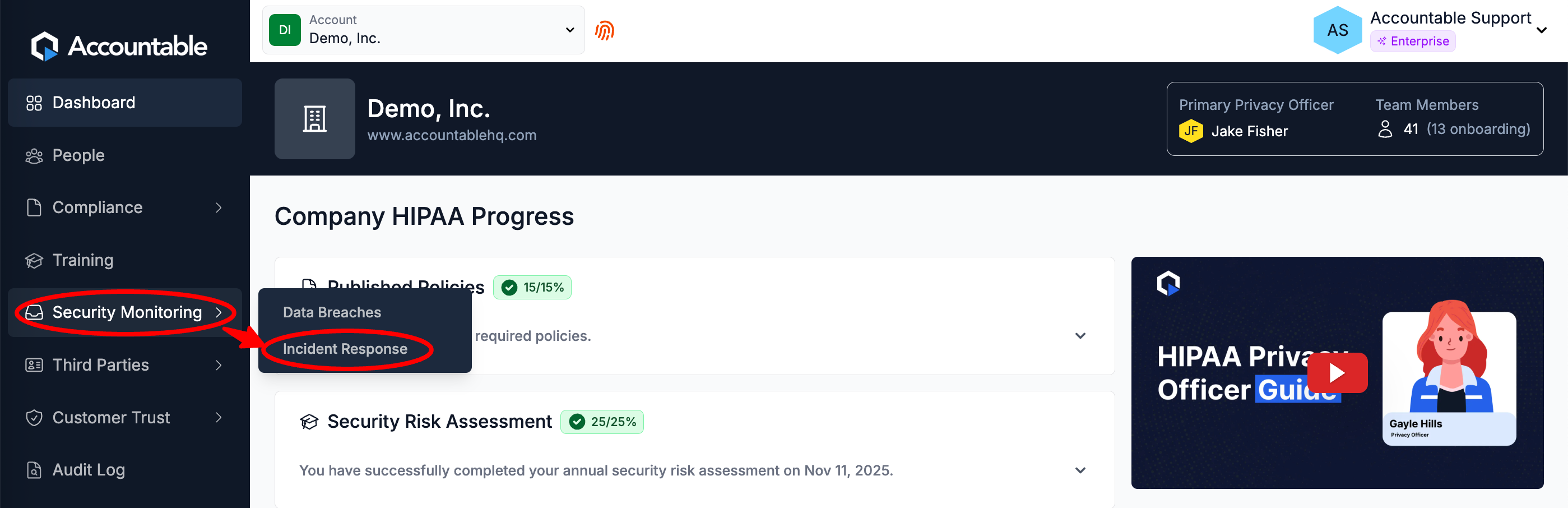
From the Dashboard, Select Security Monitoring > Incident Response in the left sidebar
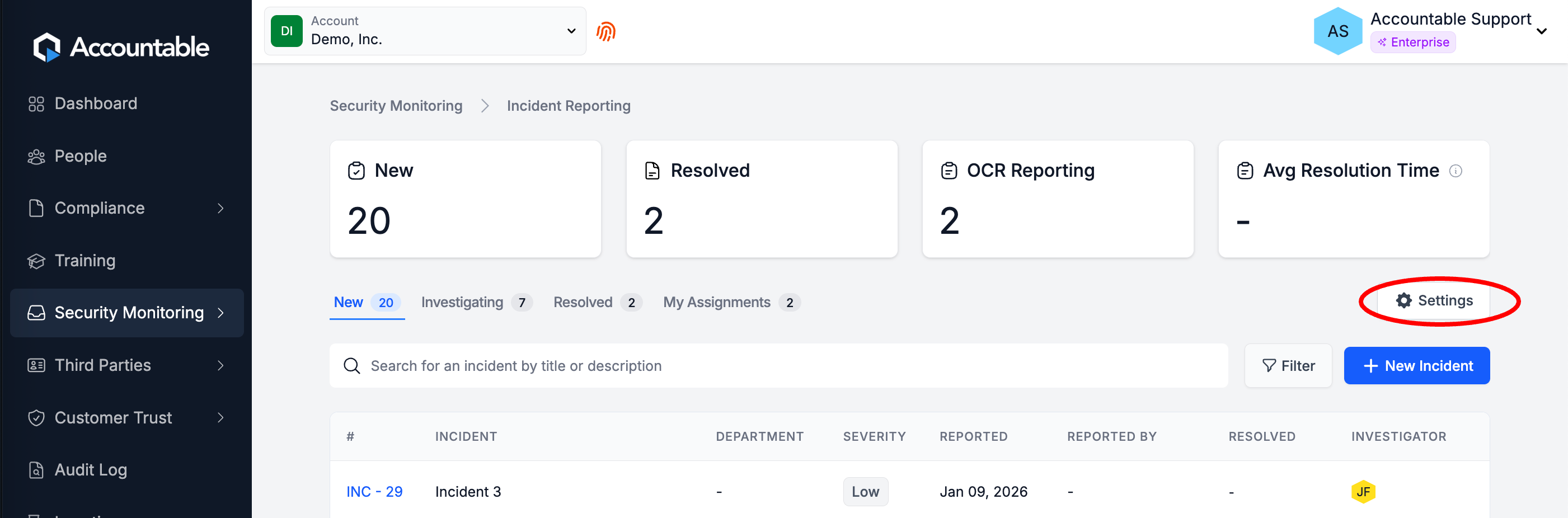
Select Settings
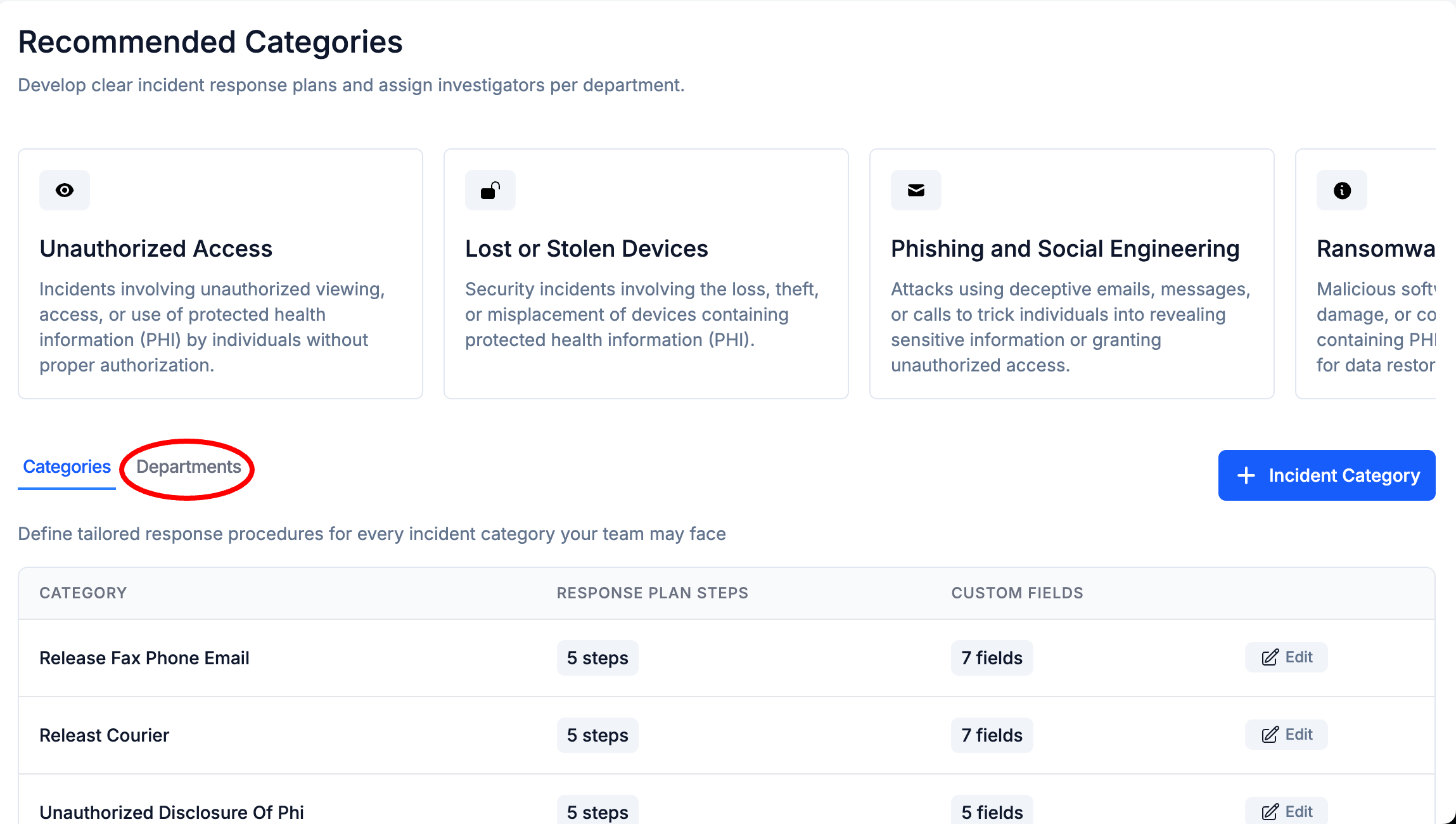
Select the Departments Tab
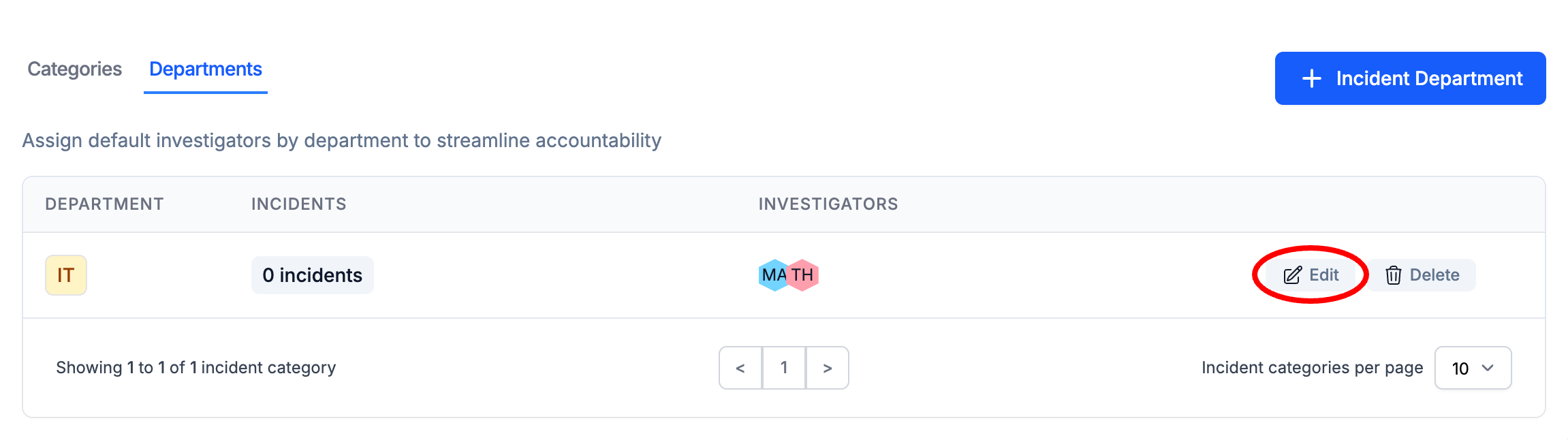
To the right of an Incident Department, Select Edit
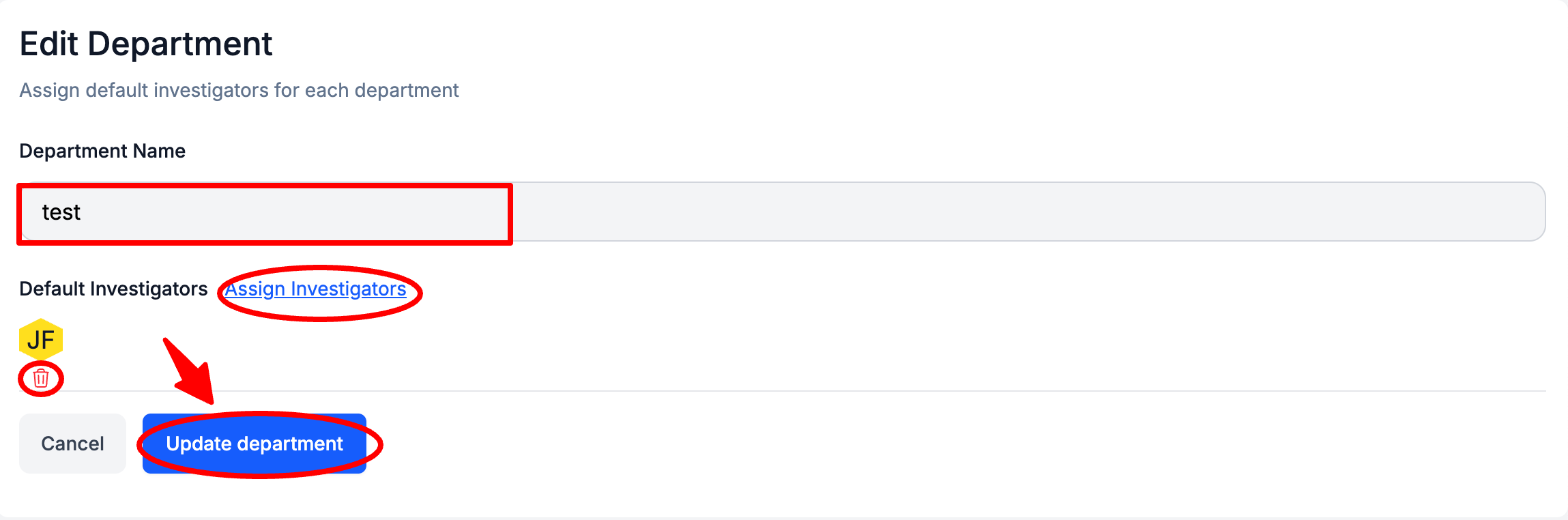
Optionally, Edit the Department Name, Assign additional Default Investigators, and/or Delete Default Investigators > Select Update Department
How to Create a Department
From the Dashboard, Select Security Monitoring > Incident Response in the left sidebar
Select Settings
Select the Departments Tab
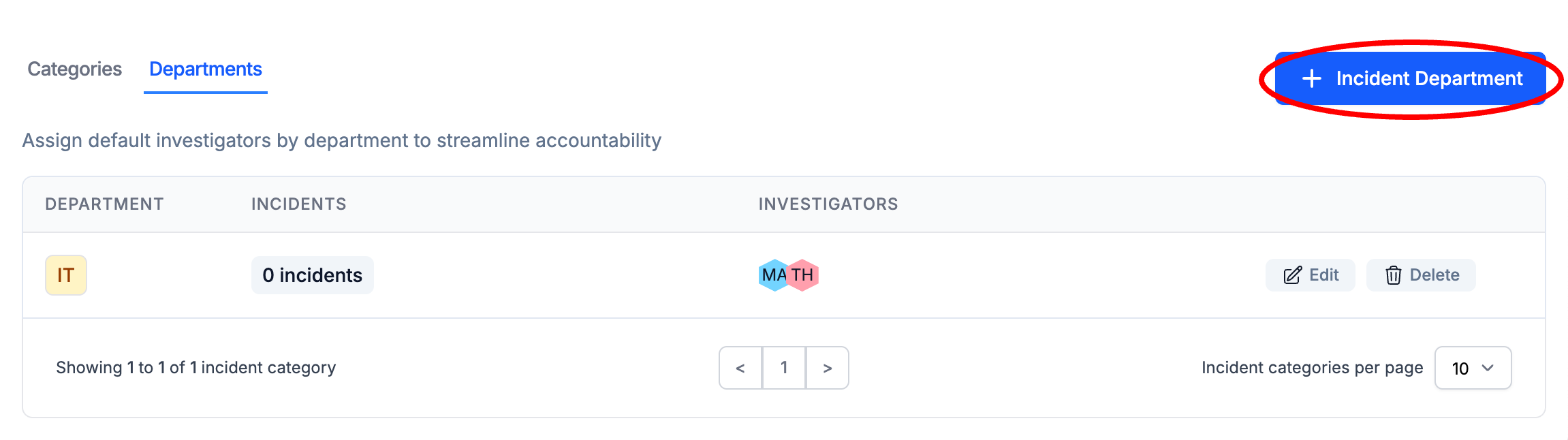
Select + Incident Department
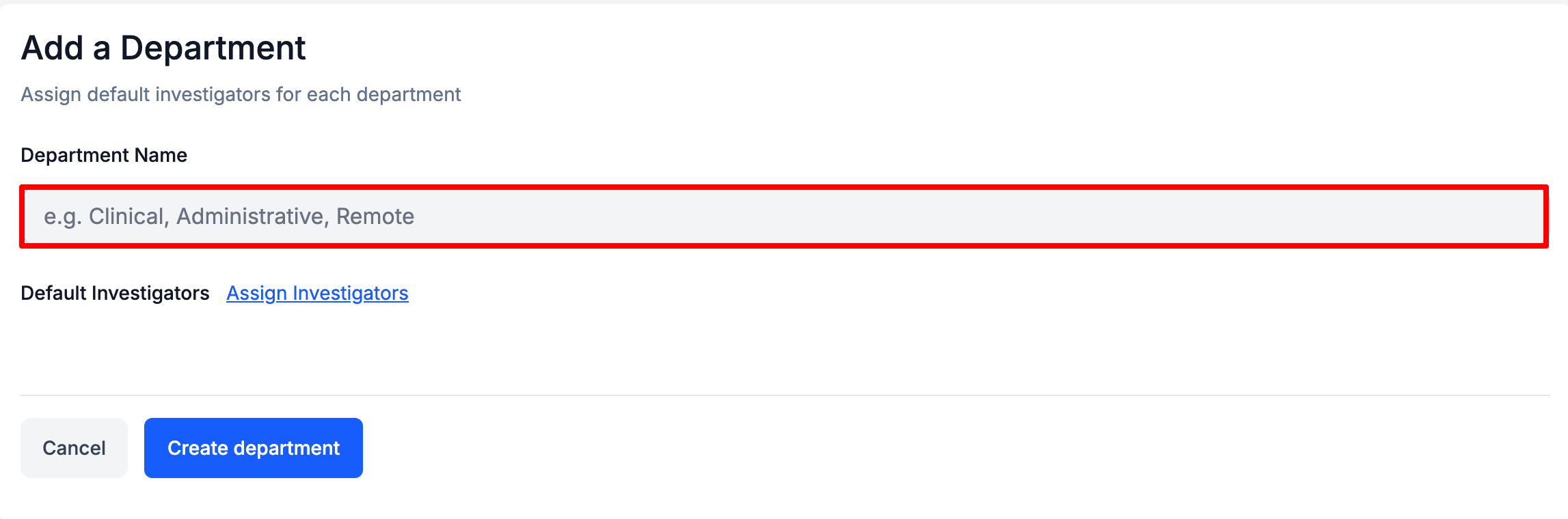
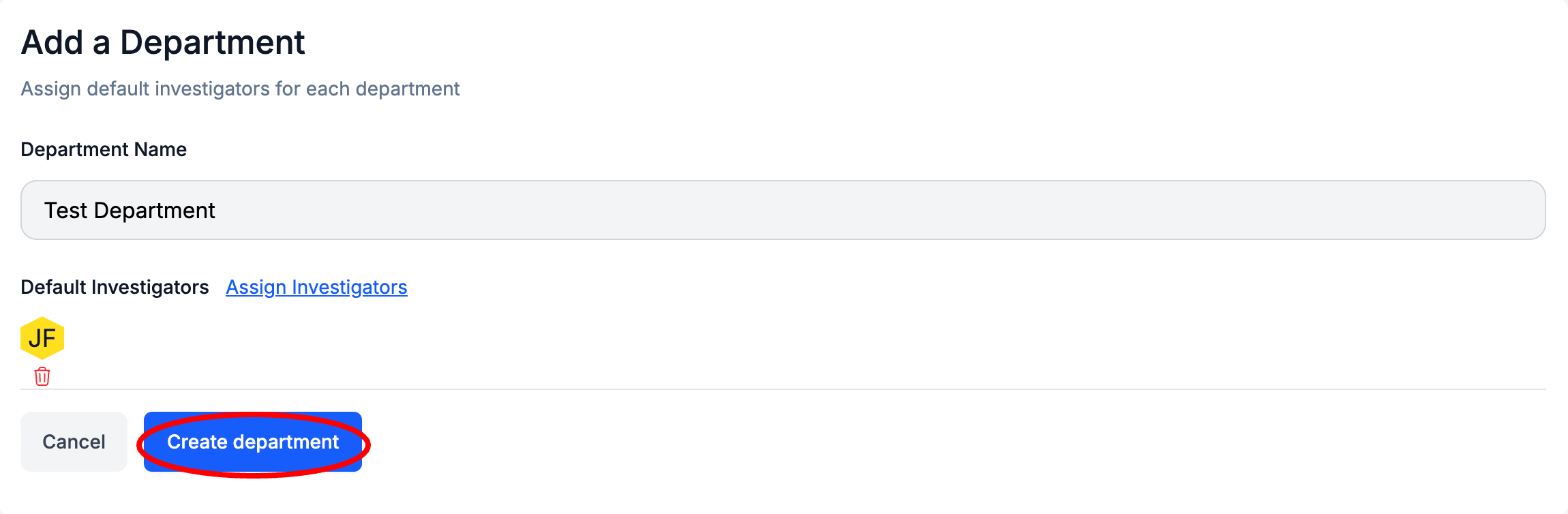
Enter a Department Name
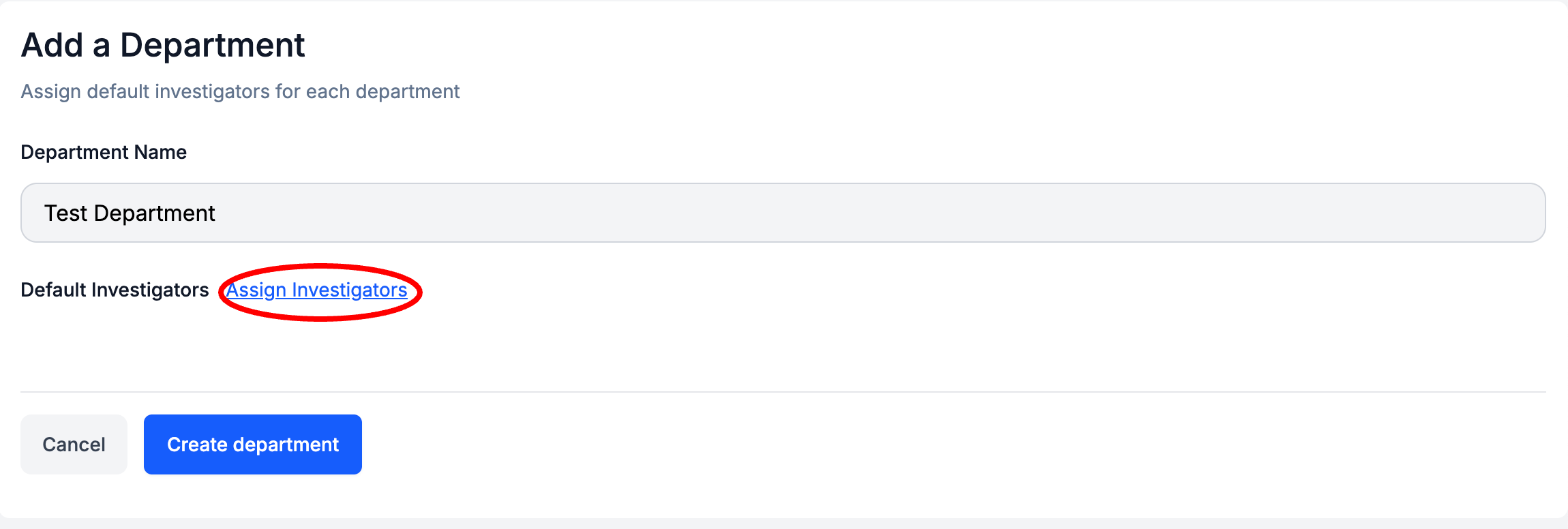
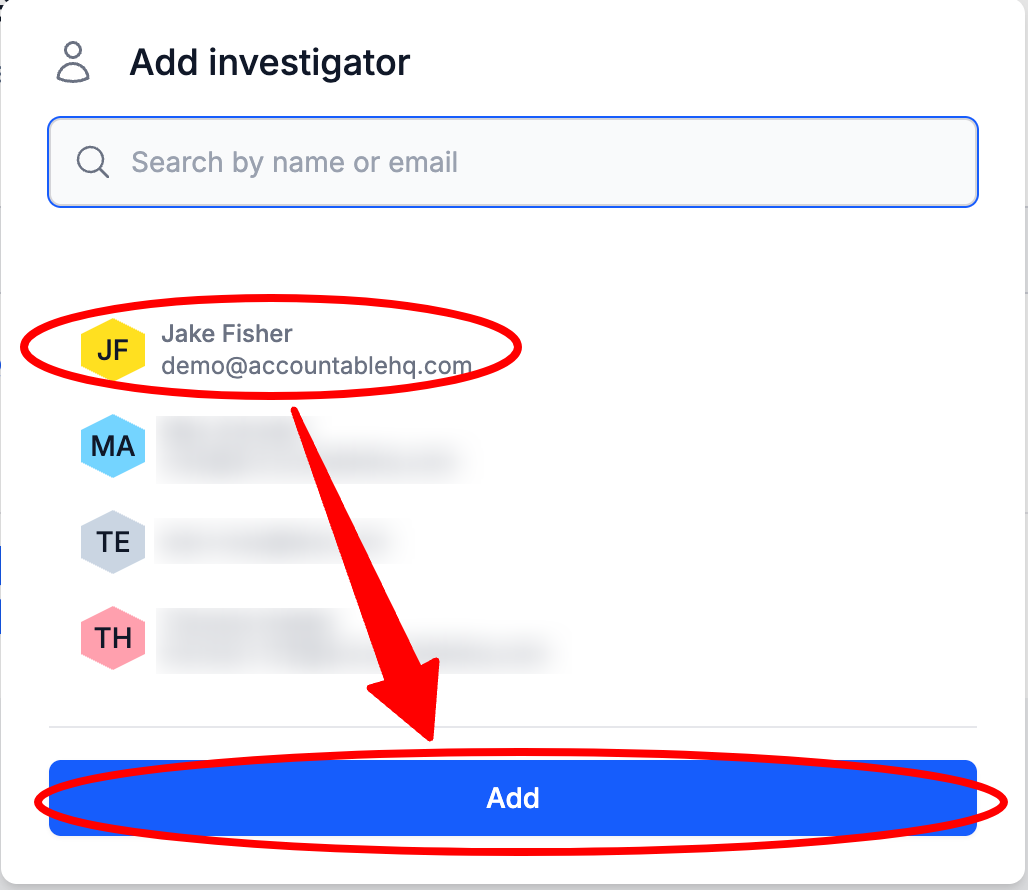
Select Assign Investigators
Select one or multiple Default Investigators
Select Create Department
How to Delete a Department
From the Dashboard, Select Security Monitoring > Incident Response in the left sidebar
Select Settings
Select the Departments Tab
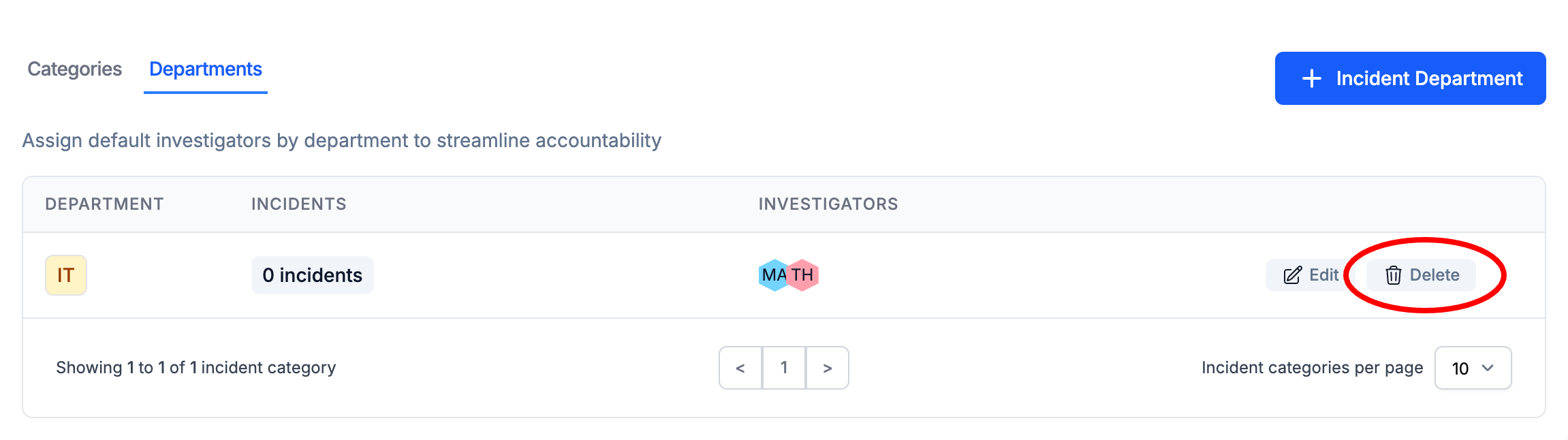
To the right of an Incident Department, Select Delete
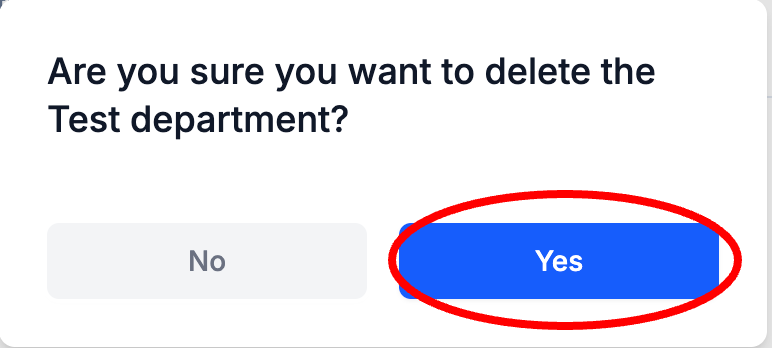
In the confirmation pop up, Select Yes
Updated 8 months ago