
How to Invite your Team
Learn more about Who Needs to be HIPAA Trained?
Steps
Invite a Team Member
From the Dashboard, Select People in the left sidebar

Select Invite Team Member

Manual Input
Enter User Info (see breakdown below) > Select Invite
- Enter Team Member Email Addresses in a comma separated list
- Optionally, Assign a Tag (suggested)
-
Learn more about How to Create & Assign Smart Tags here.
If you Select or Create a Tag, you will not be able to manually Select Requirements.
-
- Optionally, individually Select Requirements
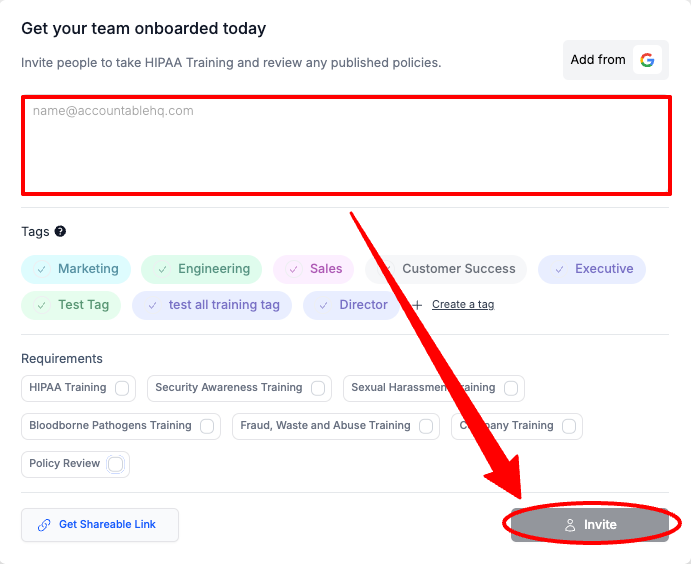
Congratulations! You invited a new user to the tool!
Sharable Link
Select Get Shareable Link
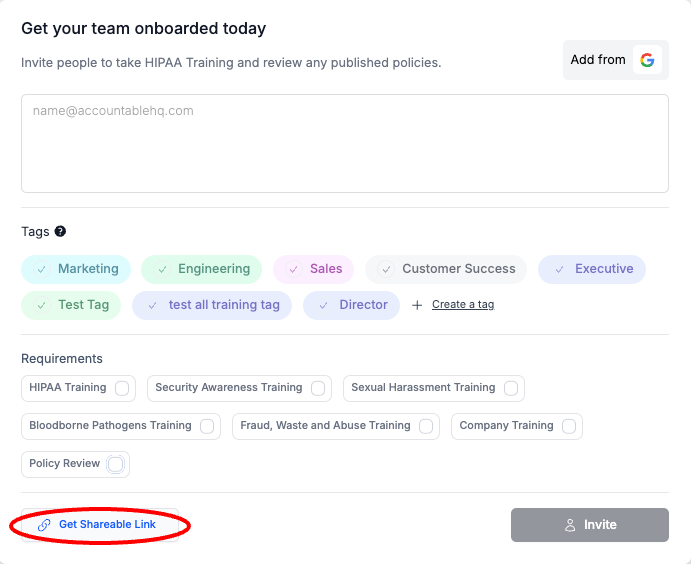
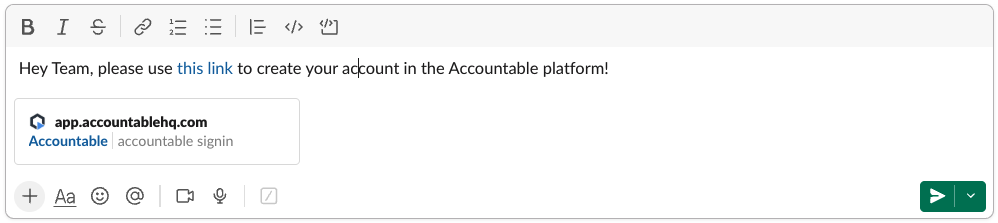
Paste the Link that was Copied to your Clipboard in a communication to your Team Member(s).
Example:
Congratulations! You invited a new user to the tool!
Integration Import
Select Add from Google/Microsoft
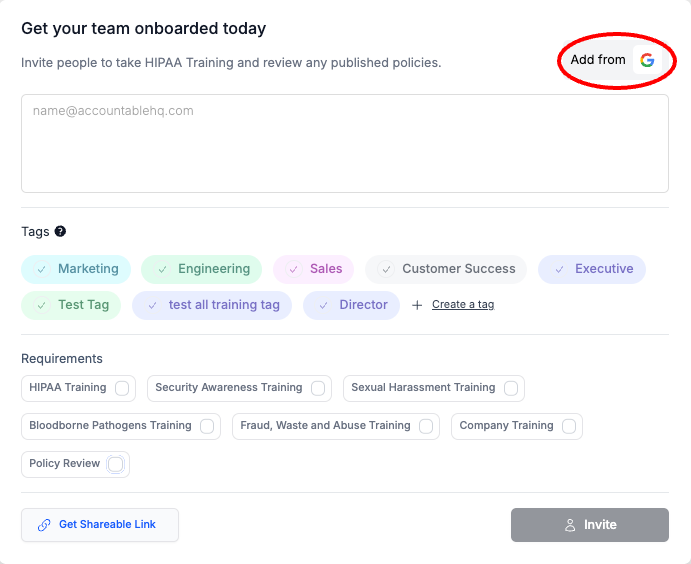
Select an Account you would like to connect
You must be an admin user in your Organization's Google/Microsoft account, to complete this step.
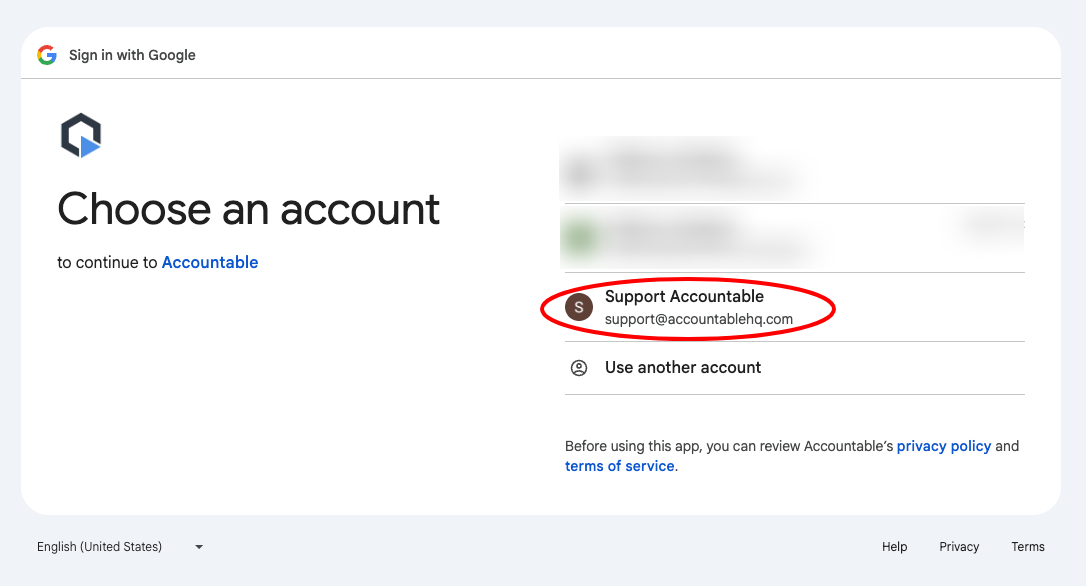
Complete sign in steps, and give permission to import users.
Congratulations! You invited a new user to the tool!
Next Steps
Updated about 1 year ago