
How to Update your Payment Info
If your credit card has expired or you need to update your billing details, you can do so within Accountable.
Steps
- Update your Payment Info
Update your Payment Info
- In the top right corner, Select your Name > Select Billing

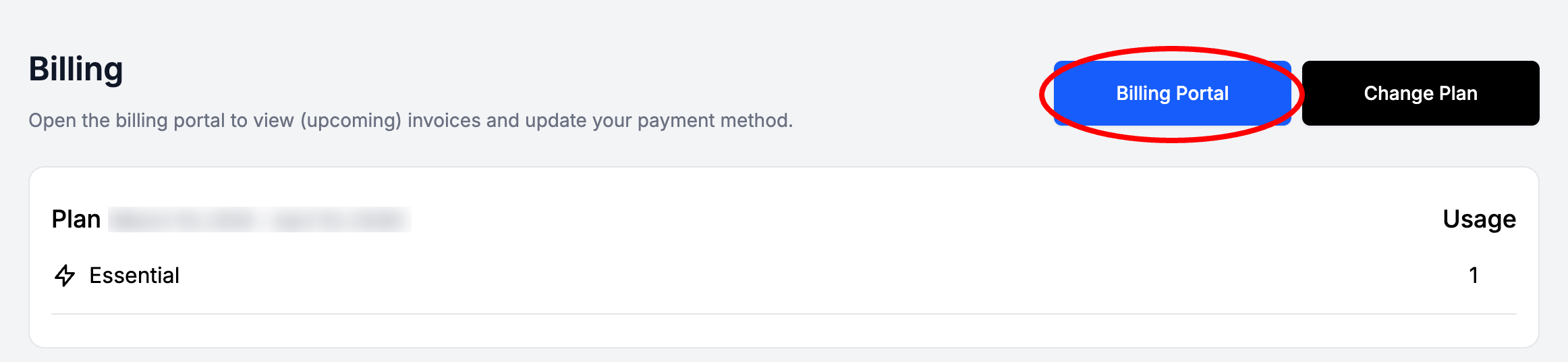
- Select Billing Portal
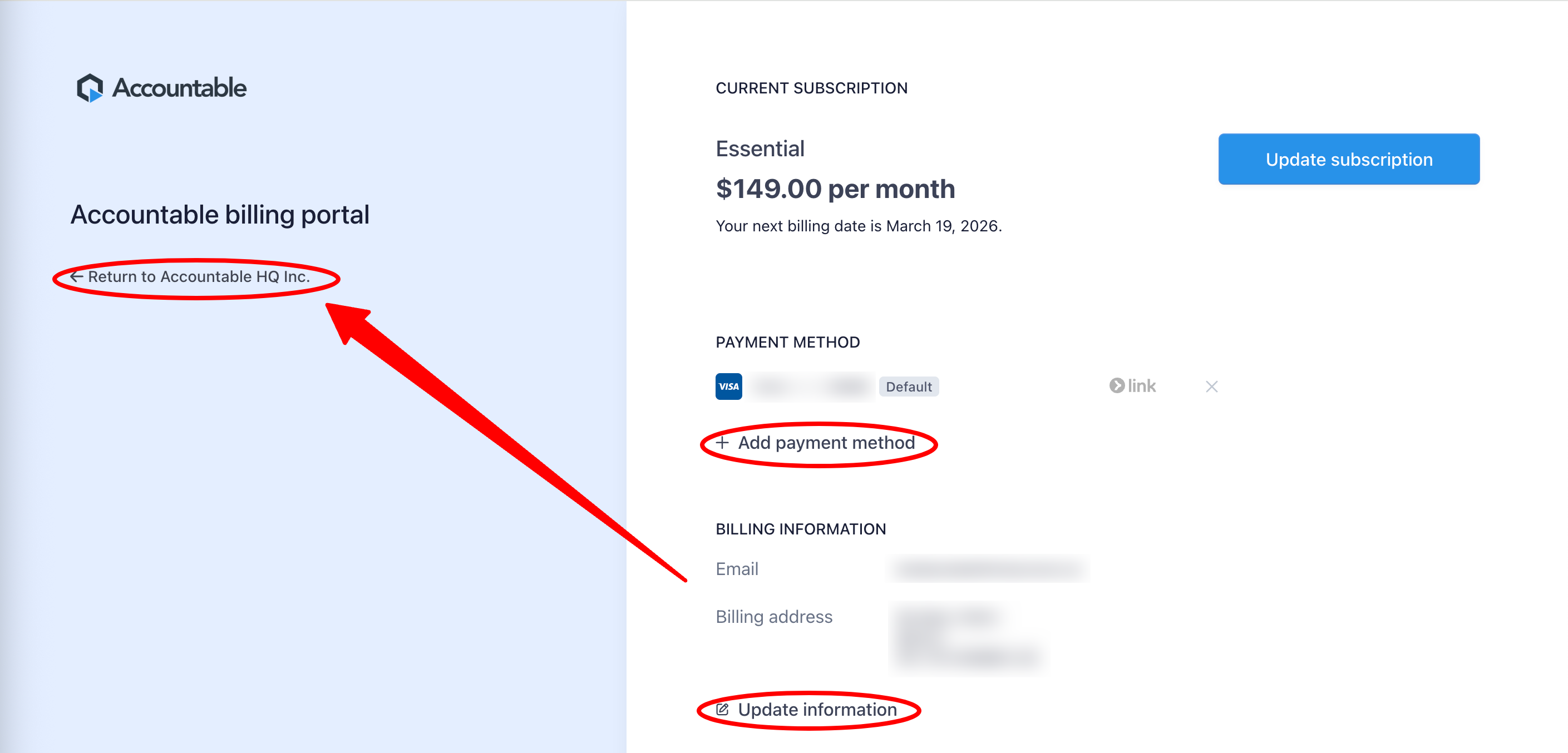
- Here you can Add a Payment Method and/or Update Billing Information: Email and Billing Address, then Return to Accountable
Updated 7 months ago
Did this page help you?