
How to Resend an Invite
Steps
Resend Invite
From the Dashboard, Select People in the left sidebar

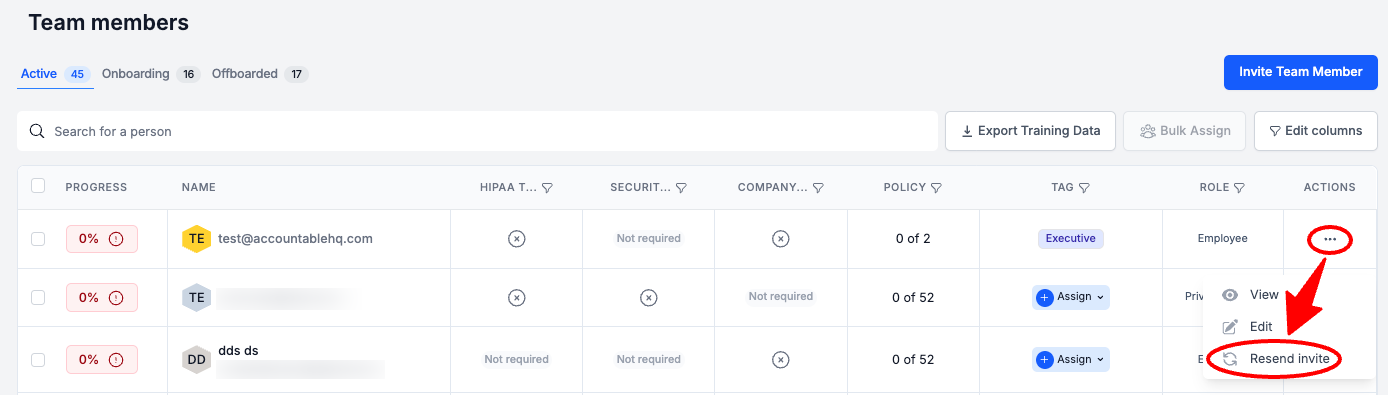
In the Team Members table, in the Actions column, Select the three dots > Select Resend Invite
If you cannot find the user in the Active tab, check the Onboarding tab.
Still having issues? Review How to Troubleshoot User Invites.
Next Steps
Updated about 1 year ago
Did this page help you?